Turn messy bank CSV exports into a calm, organized view of your spending life. Import, auto-dedupe, categorise — all on your own device.
Windows 10/11 · macOS 11+ (Apple Silicon) · 100–120 MB download
Builds are unsigned, so macOS needs a
one-time Gatekeeper override.
Map each bank's CSV once; that mapping becomes a reusable, one-click importer for every future statement.
Re-import the same file safely — a per-account fingerprint means nothing is ever double-counted.
Organise every transaction with flexible categories and tags, then slice your spending any way you like.
Financial-year summaries, net-worth trends, and a tax report with CSV export — ready when you need them.
Track recurring payments like rent and streaming, and see what's coming up on your dashboard.
Work out what a purchase really costs — stamp duty from live rate tables, every upfront cost, the cash you would need at settlement — then compare scenarios side by side and see what it does to your portfolio.
Optional auto-categorising, insights and a deduction scan. Run a local model with Ollama and stay 100% offline, or use your own Anthropic key or Claude subscription. Off by default — nothing is sent anywhere until you turn it on.
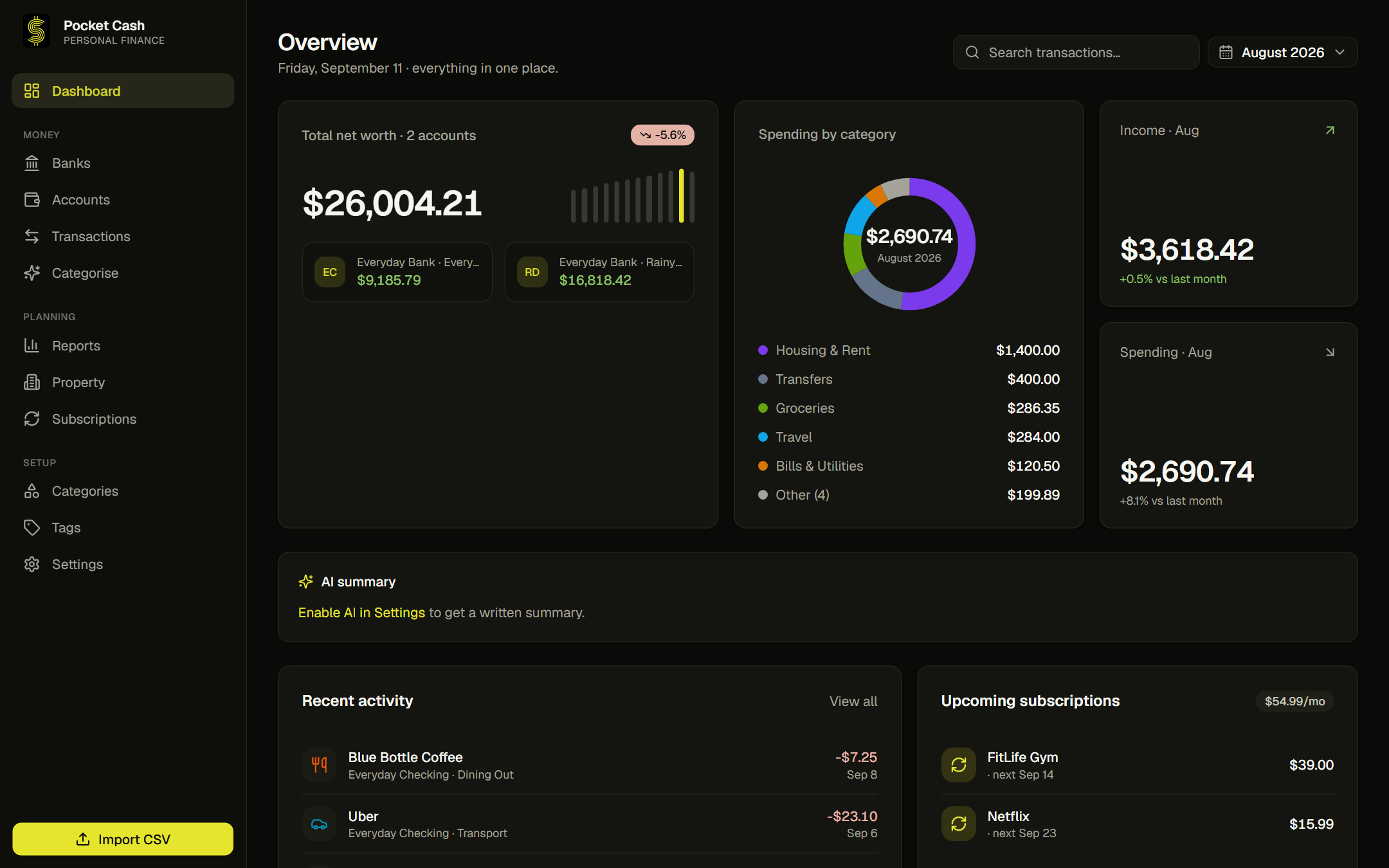
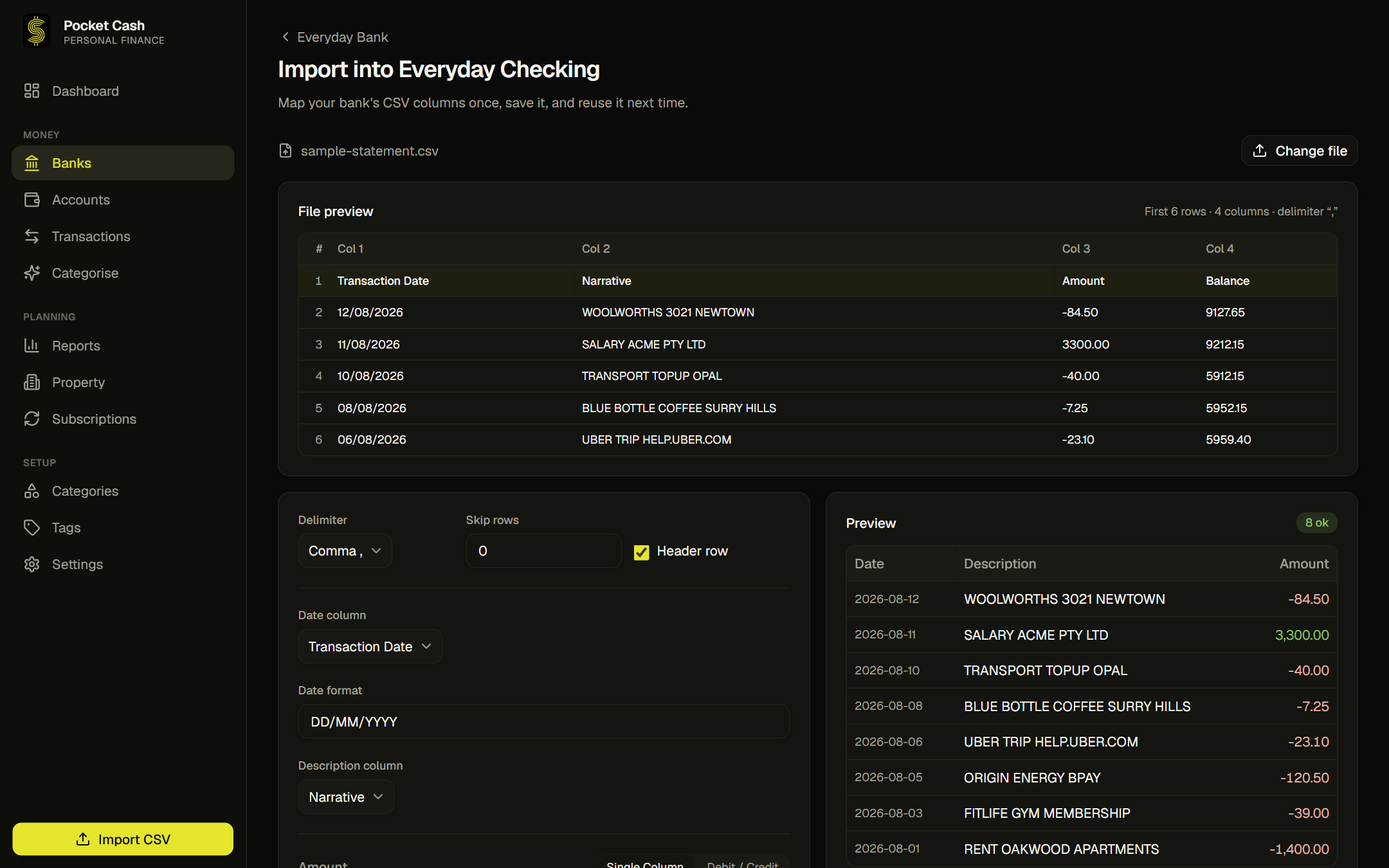
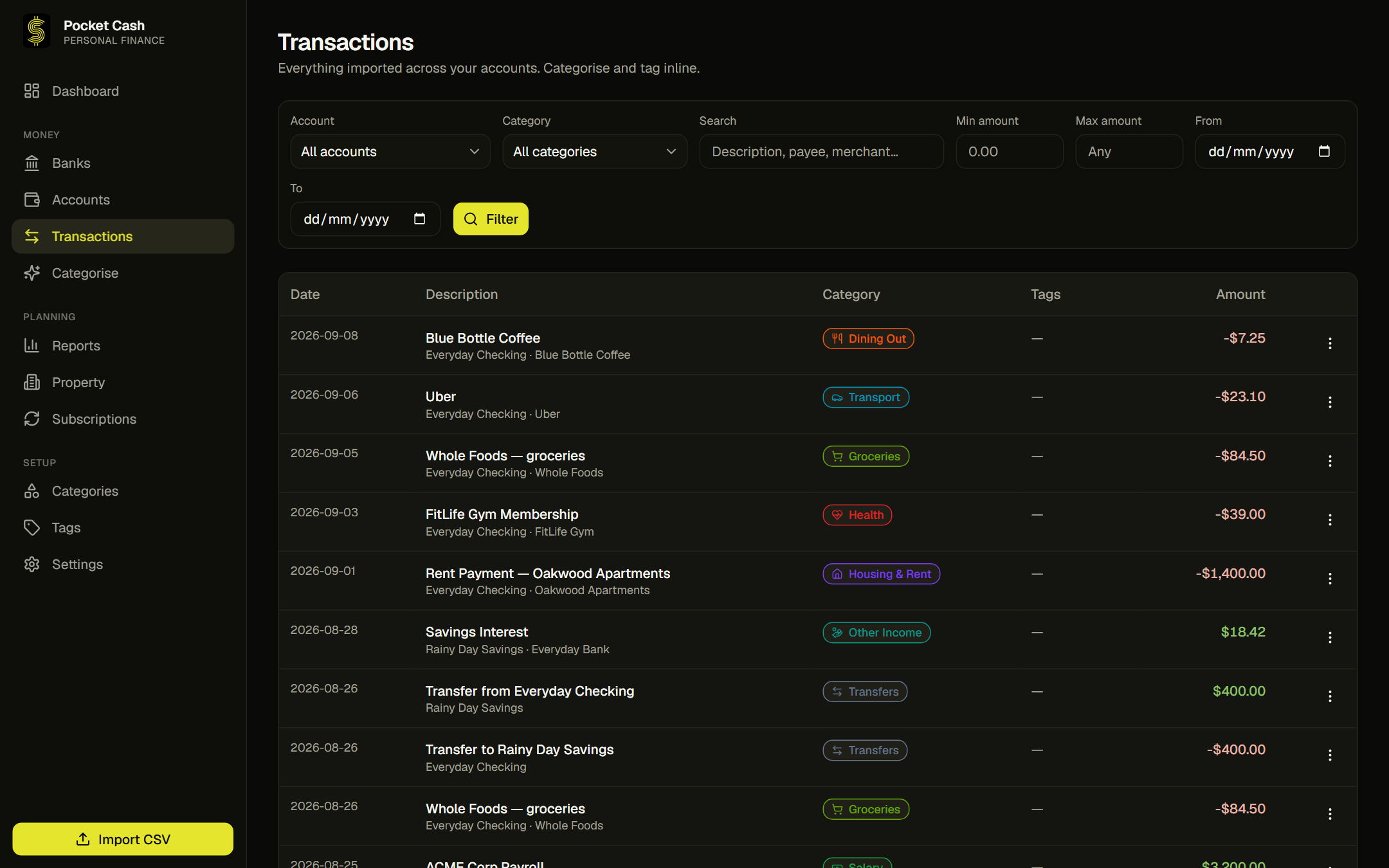
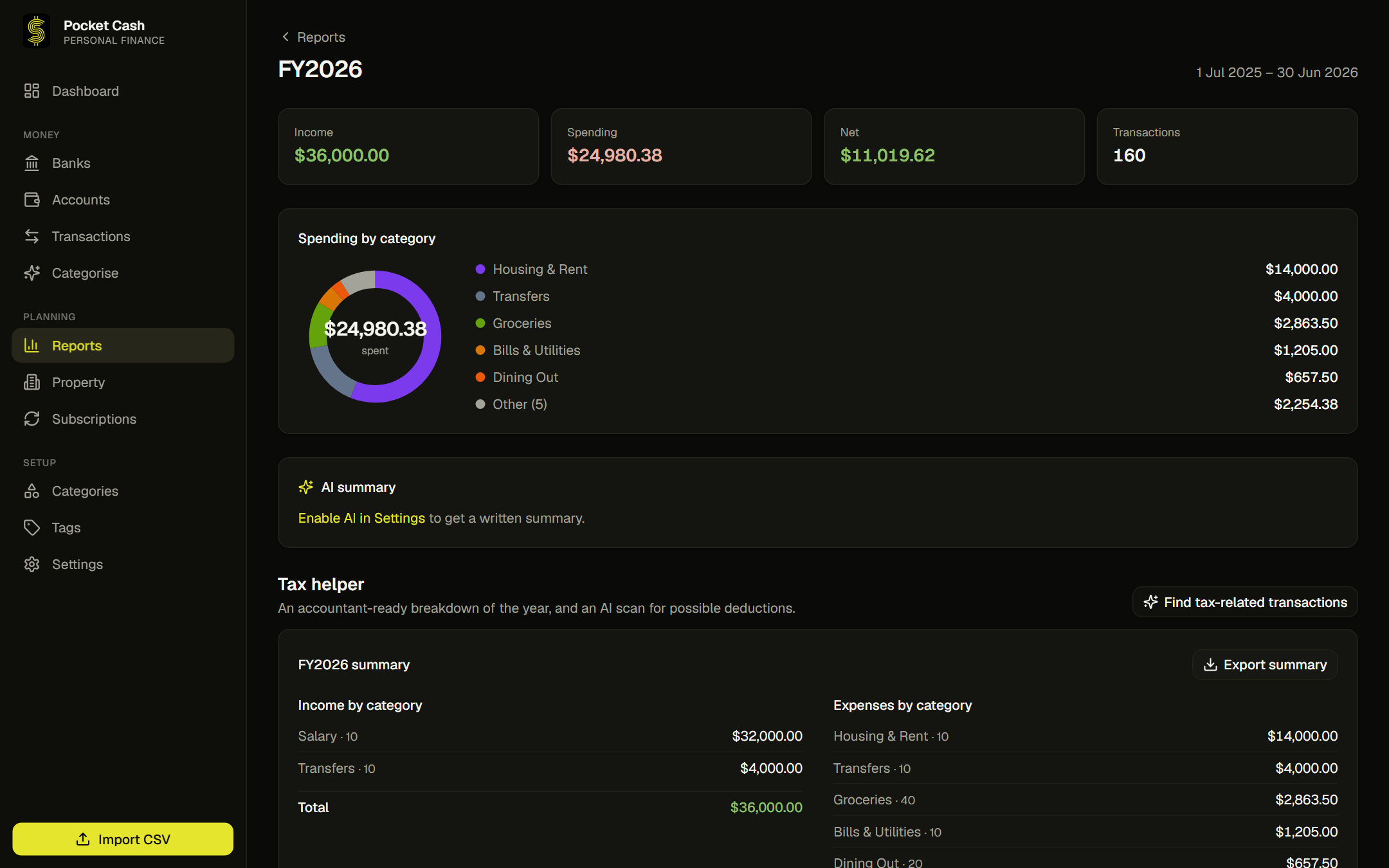
Download a statement from your bank's website — any format, any delimiter.
Point columns at dates, amounts and descriptions. Pocket Cash remembers it per bank.
Rows normalise into one clean shape; duplicates are skipped automatically.
Categorise, watch your net worth, and pull tax-ready reports whenever you need them.
No shared servers, no ad targeting, no selling your transaction history. Pocket Cash is a private tool for one person: you.
Yes, for personal use. Pocket Cash is source-available under the PolyForm Noncommercial License 1.0.0, which makes it free for personal and noncommercial use. There is no paid tier, no subscription and no account. Commercial use isn't permitted under that licence.
Any bank that lets you export a CSV — which is essentially all of them. There's no bank list to be on and no connection to set up: you map that bank's columns once, and the mapping becomes a reusable importer for every future statement from the same account.
Windows 10/11 and macOS 11+ on Apple Silicon (M-series) both have builds. There is currently no Intel Mac build and no Linux build. The app itself is cross-platform, so those are a matter of adding build targets rather than a rewrite.
Because the builds aren't code-signed — that needs paid certificates from Microsoft and Apple, which this project doesn't have. Windows SmartScreen will say "unknown publisher", and macOS needs a one-time Gatekeeper override on first launch. The source is public, so you can read or build it yourself.
No. The interface, the database and every report run locally on your machine — you can use the whole app with the network off. The optional AI features are the only part that can reach out, they're off until you turn them on, and even those can run fully offline against a local model.
In an embedded database inside the app's own folder on your device (%APPDATA%\Pocket Cash on Windows, ~/Library/Application Support/Pocket Cash on macOS). Because it's local, backups are your call: Settings has an export that writes everything to a single file you can copy anywhere. Keeping one is worth the ten seconds.
No. There's no cloud sync, no account to create, and no analytics or telemetry of any kind in the app — not even anonymous usage counts. Nothing is uploaded, so there's nothing to opt out of.
GitHub Issues — one place for bug reports, feature ideas and general feedback. There's no support inbox and nothing to sign up for; if you already have a GitHub account you can file something in under a minute. For a bug, the app helps you out: its error screen has Report an issue and Open logs buttons, so you can attach the log rather than describe the problem from memory. Feature ideas are genuinely welcome — several of them shape what gets built next.

Free to use. No account required. Import a CSV and see your first insights in minutes.